





 Back to the bus


Legendary
Neural AI aimbot
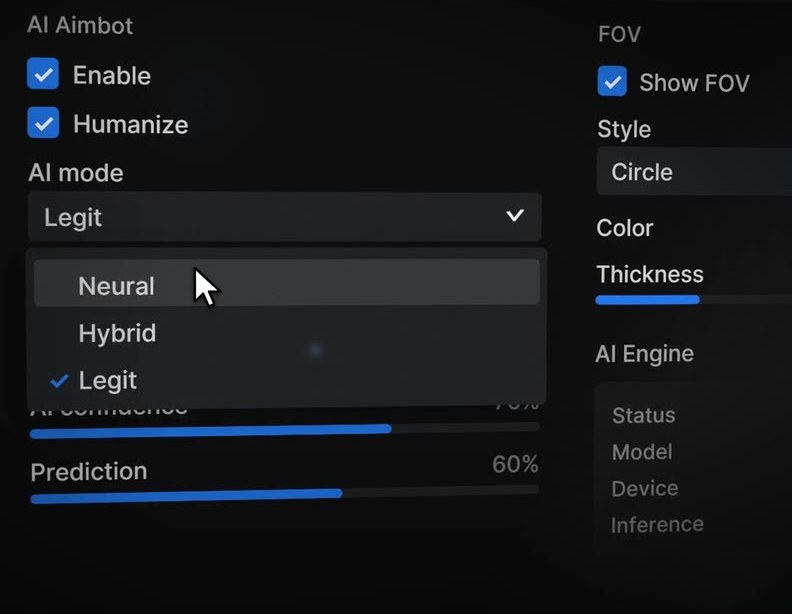
Three AI modes. Pick how much help you want, from full assistance to the lightest touch.
 VOID AI Fortnite
v0.22.8
VOID AI Fortnite
v0.22.8
VOID AI adapts to how you aim. Corrections stay small and smooth, so every fight still looks like your own gameplay.
The full walkthrough: the loader, all three AI modes, FOV styles and the widget layout.
Open the overlay with Insert in game. Every item here ships in the current build.
Chests open as you pass
Legendary
Three AI modes. Pick how much help you want, from full assistance to the lightest touch.
Epic
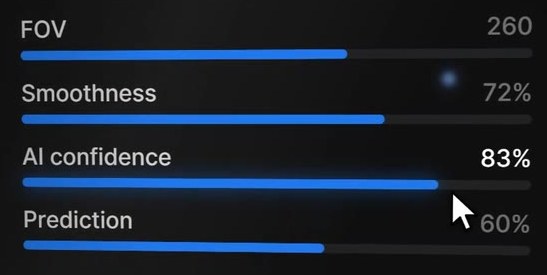
Smoothness, AI confidence and prediction each get their own slider.
Rare
Leads targets that strafe, jump or build. It aims where they are going, not where they were.
Epic
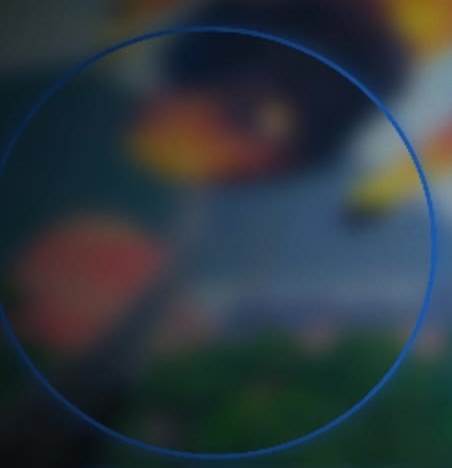
Circle, filled or RGB, in any color and thickness. It also marks where assistance works.
Rare
Watermark, music from Spotify or Windows media, your real server ping, system stats and a clock. Drag, resize, snap.
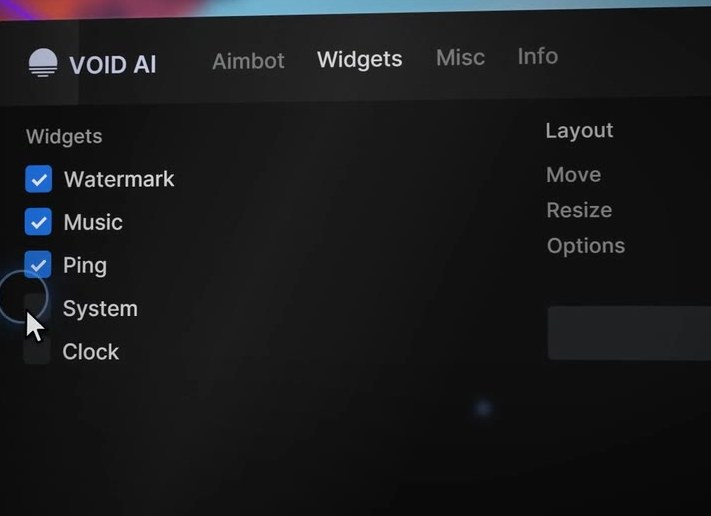
Rare
The overlay stays on your screen and out of OBS and Discord streams.
Common
The loader finds new builds, installs them and restarts. No reinstalling.
Up to date v0.22.8
No flicks, no hard lock. Small, smoothed nudges on top of your own movement.
Over your first matches it learns how you aim and track, then tunes itself to match.
Assistance kicks in when you already aim at a target inside your FOV circle. Limited on purpose, so it stays legit.
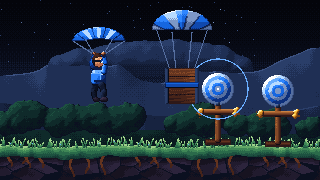
Click the dummies. Turn VOID AI on: inside the circle, your shot gets a small nudge toward the target.
Yes. Download it, open the loader, play.
Windows 10 and Windows 11, 64-bit.
Because VOID AI never snaps or locks. It only helps when you are already aiming at a target inside your FOV circle, and it stays subtle on purpose. Give it a few matches to adapt to your aim.
Yes. Press Check for Updates in the loader. It downloads the new build, installs it and restarts.
Use Windowed Fullscreen. Exclusive fullscreen draws over every overlay, so the menu and the FOV circle would not show. Fortnite: Settings, Video, Window Mode.
Press Insert in game. Press it again to close it.
VoidAI.exe
v0.22.8
Free for Windows 10 and 11, 64-bit. Updates itself from the loader.
Download for Windows Join the DiscordSetup
Run Fortnite in Windowed Fullscreen so the overlay shows.